
For parents
You're in charge. Min just naps.
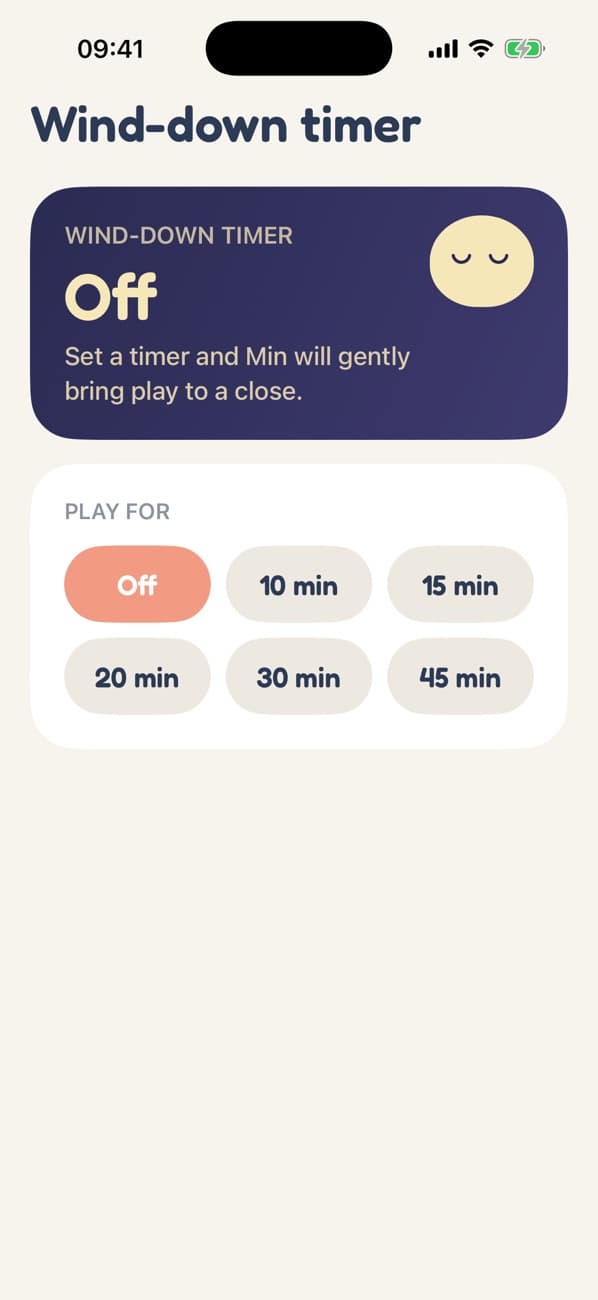
The wind-down timer
Choose how long play lasts. When the time is up, Minly doesn't cut off in the middle of a tap. Over a few minutes the lights dim, everything slows, sounds fade and touches stop working. Then Min falls asleep.
There's no countdown for your child to watch and no "time's up" screen to argue with. Play just gets sleepy and ends.
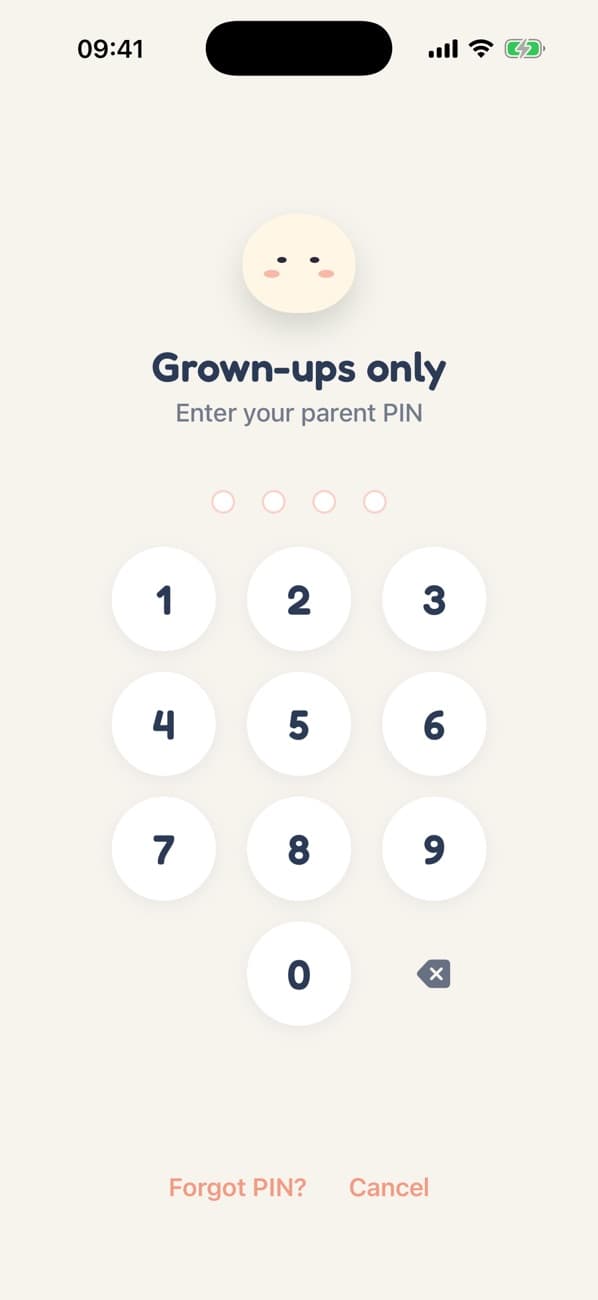
A PIN only you know
Leaving play, opening the Parent Zone and buying anything all need your 4-digit PIN, or Face ID and Touch ID if you turn them on. The PIN is stored in the iPhone's secure Keychain.
To leave play, tap the top of the screen three times quickly. It's easy for a grown-up and hard for a toddler to do by accident. Forgot the PIN? Tap “Forgot PIN?” and confirm with your iPhone's own passcode.
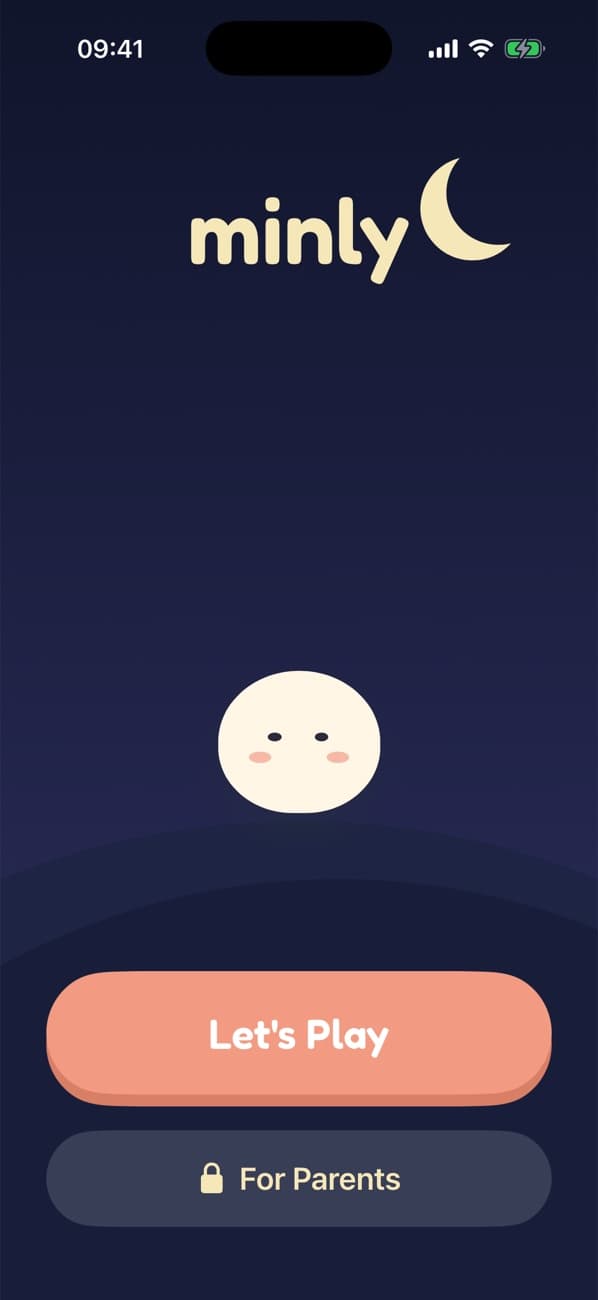
Bedtime, built in
Tell Minly your child's bedtime and Min's world follows the clock: dusk begins 45 minutes before, then night. Bedtime worlds like Fireflies and Starfield are dark and slow, and never vibrate.
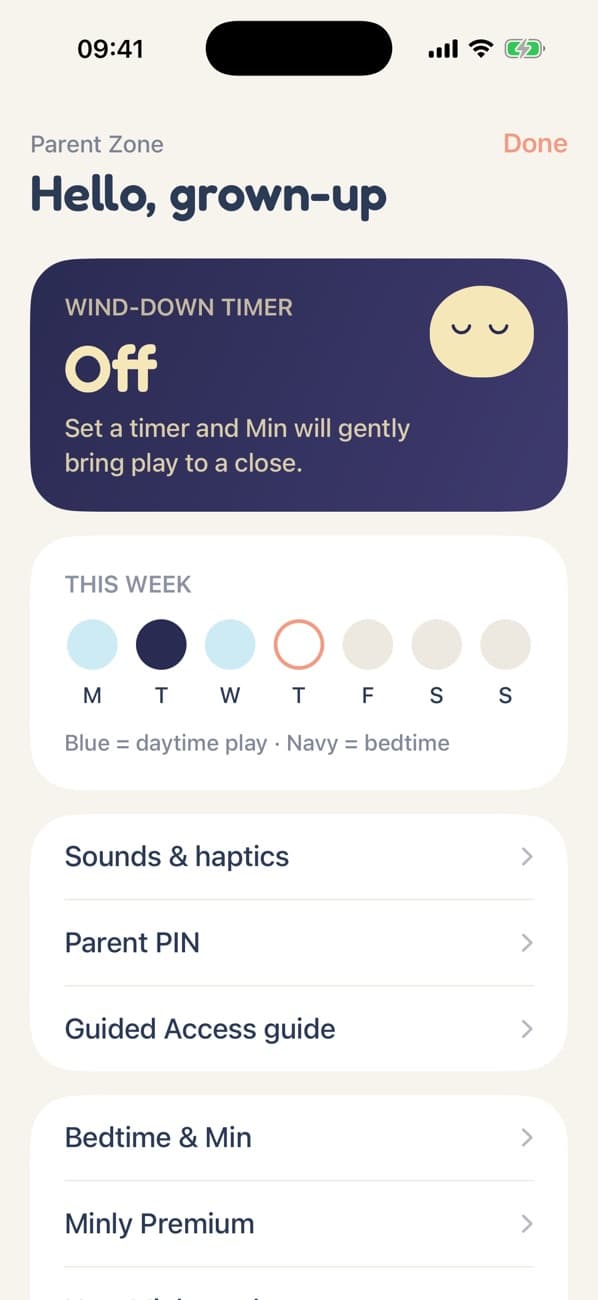
This week, and nothing more
A small card shows which days had play, and whether it was daytime or bedtime. The activity log lists what was played and for how long. It all stays on the device: no accounts, no cloud, no reports.
Free from Apple
Keep them inside Minly with Guided Access
Guided Access is built into every iPhone and iPad. It locks the device to one app, so even the side button and swipes can't take your child out of Minly.
- 1
Turn it on
Go to Settings → Accessibility → Guided Access. Switch it on and set a passcode.
- 2
Start it in Minly
Open a world, then triple-click the side (or Home) button and tap Start.
- 3
Hand it over
Your child can play without leaving Minly. Triple-click again and enter the passcode to end.
Face ID and Touch ID don't work during Guided Access, so use your Minly PIN to reach the Parent Zone. More in Apple's Guided Access guide.
Less is better. We built it that way.
The WHO's guidance is no screen time under two, and less is better after that. Minly has no rewards to chase, so it's easy to put down. Why we made it.
Download on theApp Store